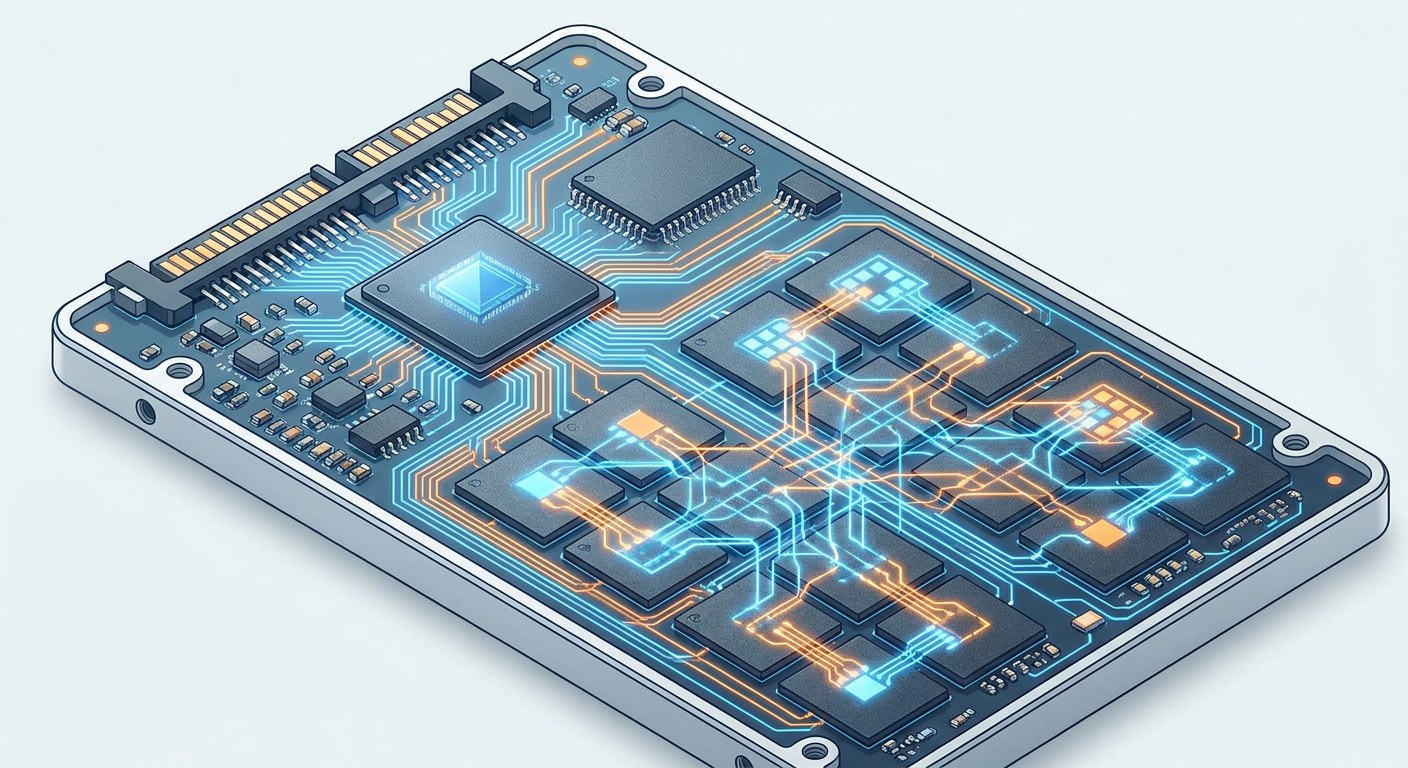
Your SSD has no moving parts, yet it wears out all the same. Every time you write a piece of data, a flash memory cell moves a little closer to the end of its life. The question is not whether it will wear out, but when — and how the controller manages to keep you from noticing.
Memory that erases in blocks
An SSD stores data in NAND flash memory cells, organized into pages (the units of reading and writing, usually 4 to 16 KB) and blocks (sets of pages, typically 2 to 8 MB). The detail that changes everything is that you can write to a single page, but you can only erase an entire block. There is no page-level erase.
That asymmetry forces a process called garbage collection: when a page holds obsolete data, the controller cannot free it on its own; it must copy the valid pages of the whole block elsewhere, mark the block as erasable, and only then erase it entirely. Each erase cycle counts as one P/E (program/erase) cycle, and NAND cells have a finite number of them.
The life cycle of a cell
A cell’s endurance depends on how many bits it stores. An SLC cell holds 1 bit and lasts on the order of 50,000 to 100,000 P/E cycles; an MLC, 2 bits and about 3,000 to 10,000; a TLC, 3 bits and between 1,000 and 3,000; and a QLC, 4 bits and barely 500 to 1,000. The more voltage levels we distinguish in the same cell, the cheaper the capacity per gigabyte, but the more fragile the data becomes: the margins between charge levels narrow, and any electron leakage can corrupt the value.
That is why manufacturers use 3D NAND: they stack cells in dozens of vertical layers (today we talk about 200 or more) to gain capacity without shrinking the cell or forcing more voltage levels. Density goes up, but the number of P/E cycles per cell remains the bottleneck.
Wear leveling: spreading the wear
If the controller always wrote to the same cells, those would die within weeks while the rest of the drive stayed intact. To avoid that, it applies wear leveling: an algorithm that spreads writes evenly across the chip so that all cells degrade at a similar pace.
There are two variants. Dynamic wear leveling only moves “cold” data (rarely modified) to blocks with more wear cycles, and is cheap to implement. Static wear leveling goes further: it also relocates data that has not been touched for a long time, because those blocks, never being written, accumulate less wear and would end up being the last to die. Static evens out the lifespan better, but consumes more internal writes.
TRIM: telling the controller what is no longer needed
When you delete a file, the operating system only marks the space as free in the file system; it says nothing to the SSD. The controller still believes those pages hold valid data and keeps them during garbage collection, copying them over and over for no reason. That degrades performance and accelerates wear.
The TRIM command (in NVMe, Deallocate) solves the problem: the operating system notifies the controller which blocks no longer contain useful data, so it can mark them as erasable immediately. On Linux it is enabled with fstrim (manually or via discard at mount time); on Windows and macOS it is handled automatically. Without TRIM, an SSD that sees a lot of file deletion degrades noticeably faster.
Over-provisioning and the reserve margin
SSDs reserve a portion of capacity you never see (the over-provisioning, usually 7-28%): hidden space the controller uses for garbage collection, wear leveling, and to replace defective cells. That margin is key: the more reserved free space, the less rewrite effort and the longer the lifespan. That is why a “1 TB” SSD usually physically holds more NAND memory than it exposes.
Write amplification measures how many real physical writes occur for each logical write the system requests. A value of 1 would be perfect; in practice, garbage collection and wear leveling mean that writing 1 logical GB can involve 2 or 3 physical GB. The lower that factor, the less wear and the better the performance.
When an SSD dies
Manufacturers publish a TBW (terabytes written) figure estimating how much data you can write before the cells are exhausted. A typical consumer SSD ranges around 300-600 TBW; a datacenter one can exceed several PBW. For normal home use, that amounts to many years, and you are more likely to replace the drive for capacity reasons before exhausting it.
The controller also monitors health through SMART attributes (such as Media Wearout Indicator or Percentage Used in NVMe), which warn you of accumulated wear. When the percentage reaches 100, the drive still works, but the manufacturer no longer guarantees data integrity: that is the moment to migrate.
The SSD is a perfect example of how a component “without moving parts” hides very sophisticated wear-management engineering. The next time you delete a file, remember that behind it there is a controller juggling cells, blocks and P/E cycles so that you never notice that everything is wearing out.