

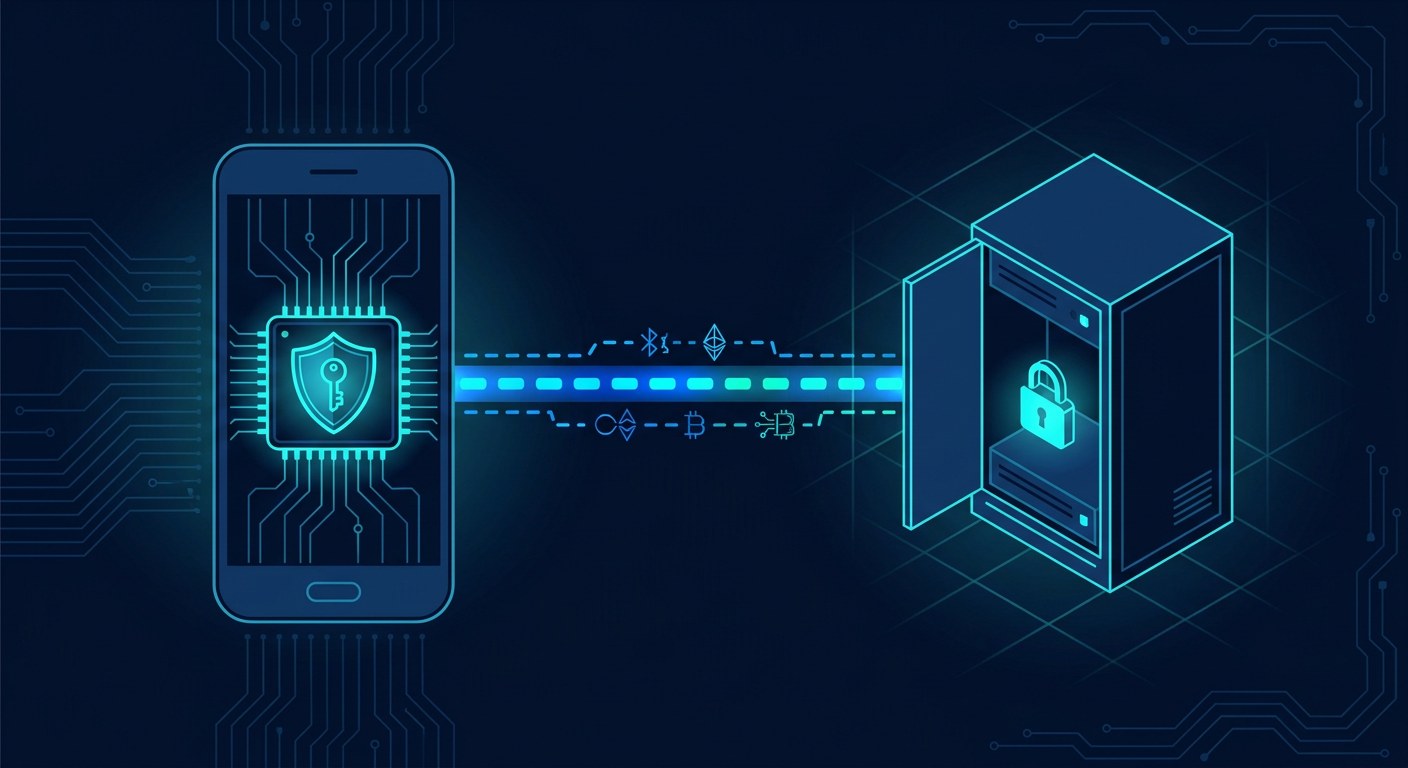
For thirty years, proving who you are has meant sharing a secret with the server. You know the password, the server keeps a scrambled copy and the two are compared. The problem is not the password itself: it is that it is shared. Passkeys, the mechanism Apple, Google and Microsoft have been pushing since 2022, swap that piece for the only one that never travels: a private key that never leaves the device.
A shared secret cannot be revoked
When you create an account, the server does not store your password: it stores a hash, the output of running it through a key-derivation function such as bcrypt, scrypt or Argon2, with a unique salt per user and a cost tuned so that testing millions of candidates is slow. That design resists brute force but does not fix the original sin: the server can verify any correct copy of the password. If a fake site asks you for it — even behind a cloned address bar or a lookalike subdomain with a legitimate certificate — you hand it over and the attacker forwards it. The same value works wherever you reused it. One secret, many doors.
The whole second-factor ecosystem was built on that pattern: one-time codes by SMS, TOTP, push notifications. They all share the same structural weakness: they are credentials that can be replicated. A reverse proxy sitting in front of the real site (an adversary-in-the-middle) collects username, password and code, and walks in itself. Passkeys attack the problem from a different angle: there is nothing to replicate.
What happens when you tap “create a passkey”
The whole mechanism is specified in FIDO2, which is really two documents: WebAuthn, from the W3C, which defines the browser API (navigator.credentials.create() and navigator.credentials.get()), and CTAP, from the FIDO Alliance, which defines how the browser and the authenticator talk over USB, NFC or Bluetooth.
When you sign up, the site sends the browser a random challenge, a user identifier and the so-called RP ID: the domain the credential will be bound to. The authenticator — a phone’s secure chip (Secure Enclave on Apple, StrongBox on Android), a TPM in a PC or a USB key — generates an asymmetric key pair, typically ECDSA over the P-256 curve or Ed25519. The private half is born inside that enclave and can never be exported: the system APIs expose no function to read it. The public half, together with the credential ID and an attestation object encoded in CBOR, goes back to the server, which stores it alongside your account.
One detail from that exchange is worth keeping: every site gets a different key pair. Nothing is reusable across services, so credential stuffing — trying a password leaked on one site against a hundred others — loses its raw material. And if the site’s database leaks, what escapes are public keys: they cannot be used to sign anything.
The signature that replaces the password
When you come back and log in, the server generates another fresh challenge and the only thing travelling back is a signature. Specifically, the authenticator builds a block called authenticatorData and signs, with your private key, the SHA-256 hash of its concatenation with a clientDataJSON object. Inside are verifiable facts: the RP ID hash, a user-presence flag (UP), a user-verification flag for fingerprint, face or PIN (UV), a signature counter and, in recent versions, two flags saying whether the credential may be backed up and whether it currently is (BE and BS). The server checks the signature against the public key it registered earlier. Nothing secret has travelled.
The anti-phishing defence is not advice to the user, it is an enforcement by the browser: before handing over an assertion, the client checks that the RP ID matches the page’s origin. A site at tech-atrilit.com.evil.example cannot ask for the credential of tech.atrilit.com — the browser will not even offer it — and a man-in-the-middle that forwards the challenge will get back a signature bound to an origin that is not its own. And because the challenge is random and single-use, a captured signature cannot be replayed.
No username, no password, no clones
So-called discoverable credentials (resident keys) store the user identifier inside the authenticator itself, which enables a login where you type nothing but your fingerprint: the device answers with a credential and the server works out the account. It is the flow the big three operating systems show when they offer username and password in a single step.
Against clones there is the signature counter: if a server sees a number lower than the last one it recorded, something has duplicated the credential. Makers of physical keys certify them by assurance level (FIDO L1 through L3+), and CTAP adds extensions such as credProtect, which forces identity verification before the authenticator even reveals which credentials it holds.
Synced or hardware-bound: two different models
This is the design decision the industry argues about most. A synced passkey lives end-to-end encrypted in the provider’s cloud — the iCloud keychain, Google Password Manager or a third-party manager — and is decrypted on each device with material derived from the device lock. The provider states it cannot read it, but the security perimeter shifts: whoever takes over your Apple or Google account inherits your keys. A hardware-bound passkey cannot be copied and stands up better to cloud account takeover, but lose the device and you lose the key.
That is why the BE and BS flags in authenticatorData matter: some organisations require non-syncable credentials for critical access and reject anything arriving with BE=1. And that is why portability has become the new battleground. The FIDO Alliance is working on two specifications — the Credential Exchange Format (CXF) and its transfer protocol (CXP) using hybrid HPKE encryption — so that moving keys between ecosystems is as predictable as exporting a contact; both are still in review.
The weak link has moved
Adopting passkeys removes the list of reused passwords but does not make a site invulnerable: it moves the target. Infostealers steal session cookies, and with a session already open there is no need to authenticate. Account recovery remains the soft spot — an employee talked round on the phone reopens the door that had just been shut — and some services still require a bootstrap password with which to create the first key.
The rest is standardisation. WebAuthn Level 3 was published as a W3C Recommendation on 25 August 2026 and adds, among other things, the Signal API: a way for a credential manager to tell the site that a key has been deleted or that a username-and-password list has gone stale. CTAP 2.2 was completed in 2025 and 2.3 is in draft. In 2026 the technical argument is no longer whether a key pair is safer than a shared secret — it is, under almost any reasonable threat model — but who holds the keys and under what guarantees they can be recovered.


