
You switch from the console to the set-top box and the screen stays black for two seconds. It is not a slow TV: the two devices are negotiating, over a fourteen-wire cable, who they are and what they are allowed to exchange before a single pixel is let through.
A cable with fourteen wires that do not all do the same job
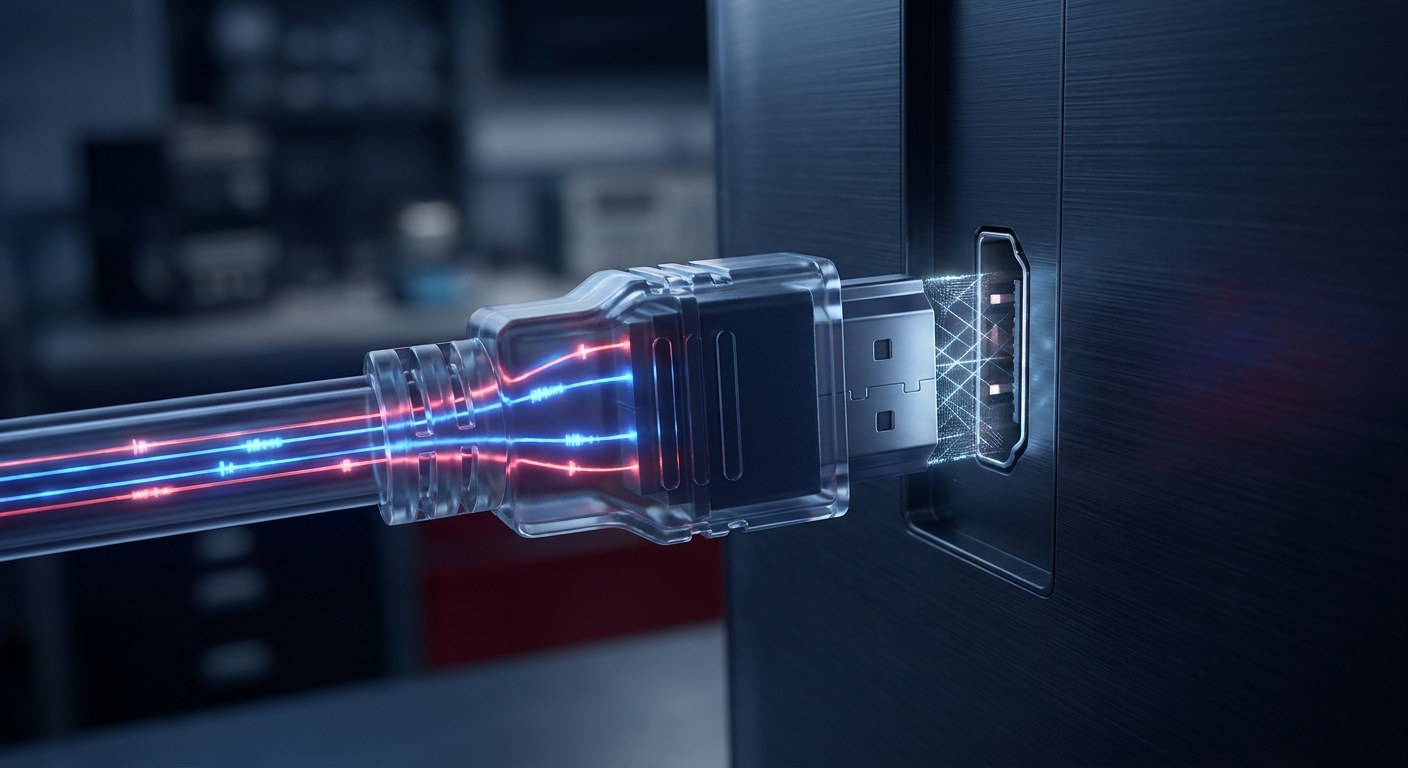
The HDMI connector is not a single video pipe but a bundle of channels with different roles. Four twisted pairs carry picture and sound: in classic HDMI these are the TMDS channels (Transition Minimized Differential Signaling, a differential serial encoding that reduces electromagnetic noise), and in HDMI 2.1 they are the FRL (Fixed Rate Link) lanes. Alongside them run three wires almost nobody looks at, and they are the ones responsible for the wait: the DDC (a two-wire I2C bus), the CEC (a control protocol between devices) and the HPD line (Hot Plug Detect), which is literally the wire that announces something has been plugged in.
When you connect the source, the television raises the level on the HPD line. That pulse is the starting gun: from there the conversation begins.
First, the television’s spec sheet: EDID
The source does not guess what the panel can do. It asks, by reading the EDID (Extended Display Identification Data), a 128-byte structure — extensible in blocks — stored in a small EEPROM inside the TV and served over the DDC bus at 100 kHz. It lists the supported modes: resolutions, refresh rates, colour space, bit depth, whether it accepts HDR and with which metadata (HDR10, HLG, Dolby Vision), recommended latencies and even the manufacturer’s name.
That block explains many odd everyday behaviours. If the EDID is corrupted or the cable does not carry it cleanly, the source may decide the TV only understands 1080p and drop the resolution without warning. And if the chain goes through an A/V receiver or a cheap switch, the block is copied and rewritten: the middle device advertises a capability it then fails to deliver, and the famous intermittent black screens appear.
Second, bandwidth: TMDS versus FRL
With the spec sheet read, the source picks a video mode and works out whether it fits in the cable. HDMI 2.0 uses three TMDS data channels plus one clock channel, at 6 Gbps raw per channel: about 18 Gbps in total and 14.4 Gbps of payload after the 8-to-10-bit encoding. That is enough for 4K at 60 Hz with 8 bits per component. HDMI 2.1 changes the scheme: four FRL lanes with no clock channel — the clock is recovered from the signal itself — up to 12 Gbps per lane, 48 Gbps aggregate.
That is the root of most domestic failures. An old cable, or a long thin one, attenuates high frequencies and distorts the edges; at 1080p it has plenty of margin, but at 4K and 120 Hz the signal arrives deformed and the receiver discards frames. The result is not a blurry picture: it is flicker, a band of colour or a total blackout, because the link renegotiates downwards or drops. That is why cable certifications exist (“High Speed”, “Premium”, “Ultra High Speed”): they do not grade the material, they guarantee the signal eye mask stays open at that bit rate.
Third, the gatekeeper: the HDCP handshake
Here is the part that really causes the two seconds of black. Before showing protected content, source and television run the HDCP (High-bandwidth Digital Content Protection) protocol, which is not simple cable encryption but a mutual authentication followed by real-time encryption.
In HDCP 2.x the exchange is asymmetric: each device holds a key pair — a public key signed by the standard’s authority and a private one — plus a certificate. The source sends its certificate, both sides compute a shared secret, derive a session key and identify themselves with HMAC. Then comes the locality check: the source sends a random value and demands it back in under 20 milliseconds, a defence against remote repeaters trying to sneak in over a network. Only then is AES-CTR encryption enabled on the video stream and the device shows a picture.
If the negotiation fails — a revoked key, a splitter that does not implement it, a cable that corrupts the exchange — the screen stays black with a generic message, even though the cable is perfect. It is also why recording from an HDMI output to a PC with a capture card does not work without a device that identifies itself as a legitimate display.
Fourth, the small print: CEC, ARC and eARC
The same cable carries control and return audio. CEC is a slow single-wire bus at barely 400 bits per second, with logical addresses per device: it lets turning on the console switch on the TV and change input. It is so slow and so poorly implemented by manufacturers that it causes absurd behaviour, such as televisions that switch themselves off. ARC and its eARC version reuse a pair in the connector to send sound back from the TV to the soundbar or receiver; eARC does it over two dedicated wires and accepts uncompressed Dolby TrueHD and DTS-HD, with far greater bandwidth.
Why it takes 600 milliseconds or more
Add it up: HPD going high and the 5 V supply stabilising (tens of milliseconds), reading the EDID over I2C — slow by design —, mode calculation, link training and finally the full HDCP round with its locality check. On top of that comes the time the panel needs to sync and apply its own image processing, plus retries when something fails on the first attempt. Half a second is the theoretical minimum; two or three seconds are normal with an A/V receiver in the middle.
What to do when the screen stays black
- Swap the cable for one certified for the rate you need: it is the most common cause and the cheapest to rule out.
- Shorten the run: beyond 3 metres a passive high-rate cable starts to fail; long distances need active optical cables.
- Try connecting the source straight to the TV, with no receiver or switch, to isolate what is breaking the EDID or the HDCP.
- Check whether the TV menu has “enhanced HDMI” or “Deep Colour” enabled: many panels ship limited to HDMI 2.0 by default.
- If the problem only appears with protected content and not with the console menu, the suspect is HDCP, not the video signal.
Next time you see that black flicker, remember it is not a fault: it is a protocol conversation between two chips that, out of caution, would rather show you nothing until it knows who it is talking to.