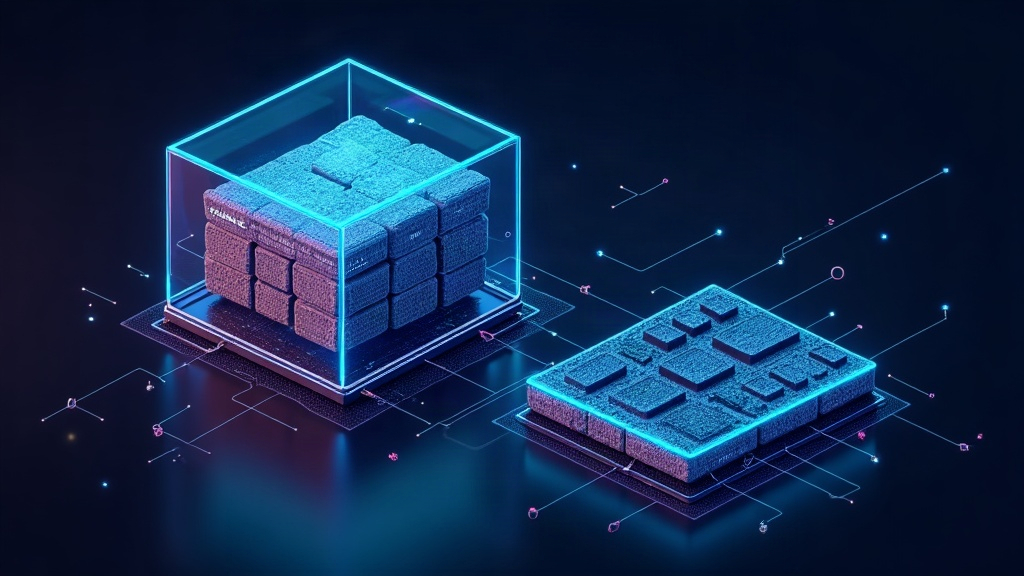
When a program runs, it behaves as if it had access to a seemingly unlimited, contiguous and stable amount of memory. In reality it lives inside an illusion carefully orchestrated by the operating system: virtual memory. Behind that fiction there is hardware, tables and algorithms deciding in which physical address every byte hides.
The problem it solves is physical. RAM (Random Access Memory) is expensive and finite: a phone has 8 GB and a server maybe 64, but programs together ask for far more. Without virtual memory, running several apps at once — or one large app — simply would not fit.
The address your program sees does not exist
Everything starts with a useful lie. Each process works with virtual addresses, its own address space that typically ranges from 0 up to trillions of bytes (up to 264 on 64-bit systems). None of those addresses correspond to a real place on the RAM chip. They are a blueprint, not the building.
The translation between blueprint and building is done by a hardware unit called the MMU (Memory Management Unit), built into the processor. Every time the program accesses a virtual address, the MMU looks up a data structure and returns the real physical address, or fires an interrupt if the data is not where it should be.
The page table and the TLB
Virtual space is not managed byte by byte, but in fixed-size blocks called pages (usually 4 KiB, though 2 MiB or 1 GiB also exist). Physical memory is divided into frames of the same size. The page-to-frame mapping lives in the page table, a structure each process keeps and the operating system maintains up to date.
Consulting that table on every access would be extremely slow, because it sits in RAM and would add extra accesses. To speed it up, the MMU keeps a cache of the most recent translations called the TLB (Translation Lookaside Buffer). Thanks to the TLB, the vast majority of accesses resolve their address in a single clock cycle, without touching the page table. When a translation is not in the TLB (a miss), the hardware or the operating system itself must repopulate it, and that has a measurable cost.
Swap: the RAM you do not have
Virtual memory does not only order what is already in RAM: it also invents space. The operating system can evict rarely used pages to a disk area or partition called swap, freeing frames for pages that are actually needed. When a process touches a page that was evicted, a page fault occurs: the MMU halts the program, the OS reads the page from disk and resumes execution.
Since disk is thousands of times slower than RAM, heavy swap usage causes thrashing: the system spends more time swapping pages than doing work. That is why a machine with too little RAM freezes under load even when the CPU sits at 5%.
Copy-on-write: the trick to save memory
Paging enables elegant optimizations. When a process calls fork() (cloning itself, typical in Linux and in processes like Nginx or Redis), its whole memory is not copied: pages are shared between parent and child with the read-only flag. Only when one of them tries to write to a shared page does a fault fire and the OS duplicates it. This is copy-on-write, and it explains why cloning processes is so cheap.
Security: isolation as a side effect
That each process has its own virtual space is not just convenience: it is the foundation of modern security. Since one process’s page table never points to another’s frames, a program cannot read someone else’s memory by accident or direct attack. That is why exploiting vulnerabilities requires sophisticated techniques such as ROP (Return-Oriented Programming) or use-after-free bugs that manipulate already-freed memory. Without virtual memory, any bug would be an open door.
The cost nobody sees
None of this is free. Page tables consume memory, the TLB has a limited size, and page faults are expensive. That is why modern systems offer huge pages (to reduce the number of translations), and why databases like PostgreSQL or applications like Redis try to keep data in physical memory as long as possible, leaving swap as a last resort.
Next time you see your computer’s memory at 98% and the system still responds, remember: what you are observing is not RAM — it is a perfectly administered illusion.