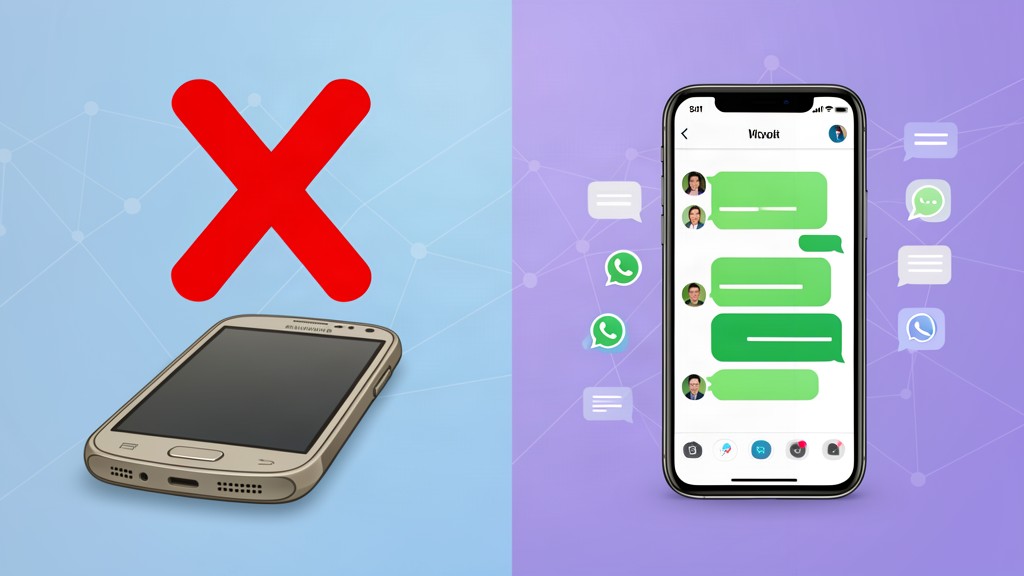
Goodbye to WhatsApp on old phones: from 1 August 2026, these handsets are left out
Since 1 August 2026, WhatsApp has raised the minimum compatibility requirements of its app and a new batch of smartphones has stopped receiving official support. The measure, announced by Meta over the past few weeks, affects devices more than ten years old that can no longer update their operating system. The devices that do not meet the new standards will stop receiving updates and new features and, over time, the app will stop working completely on them.
The new requirements: Android 5.0 and iOS 15.1 at minimum
According to WhatsApp’s official Help Center, the app will from now on only be compatible with devices running Android 5.0 Lollipop or later, as well as iPhones with iOS 15.1 or a newer version installed. This is a considerable jump from the previous requirements, leaving out dozens of models that were very popular in their day and are still used as a primary or secondary phone in many households.
The decision is part of Meta’s usual policy, which periodically reviews which devices can run the app with current levels of security, stability and performance. Each WhatsApp update incorporates new tools, encryption improvements and protection systems that demand greater processing power and recent versions of the operating system; old phones, with limited hardware and no security patches, can no longer keep up.
The iPhones left out
In the Apple ecosystem, the list of affected models includes the classics of the pre-Face ID era:
- iPhone 6
- iPhone 6 Plus
- iPhone 5s
- iPhone 5c
- iPhone 5
- iPhone 4s
The Androids that lose support
On the Android side, the list is broader and covers the main manufacturers:
- Samsung: Galaxy S3, Galaxy S4, Galaxy S4 Mini, Galaxy Note 2, Galaxy Core, Galaxy Trend Lite and Galaxy Ace 4
- Motorola: Moto G (first generation) and Moto E (first generation)
- LG: Optimus G, Optimus L3 II, Optimus L5, Optimus L7, Optimus F7 and Lucid 2
- Sony: Xperia Z, Xperia Z2 and Xperia M
- Huawei: Ascend Mate and Ascend G740
- HTC: Desire 500
All of these devices were launched more than a decade ago and stopped receiving official updates from their manufacturers years ago. Although the phone may still work for calls, text messages or basic apps, WhatsApp will stop updating on it and, sooner or later, the app will stop operating correctly.
What to do if your phone is on the list?
If your device is among those affected, the first thing is to check whether there is any pending official operating-system update. In some cases, certain manufacturers released later versions that still allow meeting the minimum requirements. To check on Android, just go to Settings, select About phone and consult the Android version section; on iPhone, the process goes through Settings, General and About or Software Update.
If there are no longer any new updates available, the only solution is to migrate the account to a compatible device. Before doing so, it is essential to make a backup of the conversations to avoid the loss of important information:
- On Android: open WhatsApp, go to Settings → Chats → Chat backup and save the data to Google Drive.
- On iPhone: go to Settings → Chats → Chat backup and save the copy to iCloud.
Once the new device is set up, simply sign in with the same phone number and restore the backup to recover conversations, photos, videos and documents.
Why Meta drops support for old phones
The company that owns WhatsApp argues that this strategy has a clear objective: to strengthen the security of the platform’s more than two billion users. Old phones present several technical limitations that make maintaining compatibility increasingly difficult: lack of security updates, greater exposure to computer vulnerabilities, insufficient hardware to run new features and limitations in implementing modern encryption technologies.
In addition, concentrating development on more modern devices makes it possible to improve the overall stability of the service, optimize resource consumption and speed up the arrival of future tools, such as video-call improvements, channels, communities or the new AI-based privacy options.
The measure may be uncomfortable for those who still use phones from previous generations, but it is part of the natural technology-update cycle that most mobile apps go through. If your phone is several years old, it is worth checking from now on whether it meets WhatsApp’s minimum requirements to avoid surprises: check your operating-system version, back up your chats and, if necessary, start planning the device change before the app stops working completely.