What NVDA is and why it matters so much
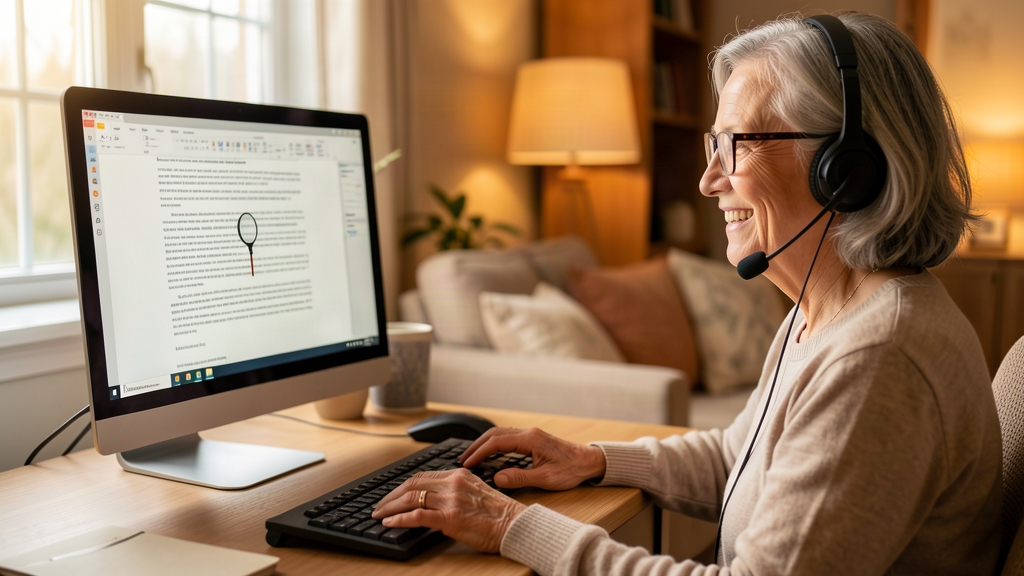
Imagine you can’t see your computer’s screen. How would you know what an email says, which button to press or where that file you’re looking for is? NVDA is a program that reads aloud everything that appears on the screen: the text, the menus, the buttons and even the errors. It’s what’s called a screen reader, and for millions of blind or low-vision people it is the gateway to the computer, to work and to the internet.
NVDA runs on Windows and is completely free. It isn’t a cut-down or trial version: it’s the full program, for anyone who needs it, anywhere in the world. It’s maintained thanks to donations from users and companies, a rarity in a world where almost all software of this kind costs hundreds of euros. That’s why its annual release is a date awaited by the entire visually impaired community.
NVDA 2026.2: the new version is about to arrive
Version 2026.2 of NVDA is one step away from its final release. This week, the team has published the tenth test version (programs under development are tested in several phases before they go out into the world, like when a car is put through thousands of kilometres of testing before it’s sold). With this tenth test, the program enters what is called a “translation freeze”: for a couple of weeks nothing new is touched so that translators can bring all the versions in other languages up to date, including Spanish.
The planned calendar is this: in a couple of weeks the final release candidate will come out, the last one before the definitive version, and approximately one week later the stable version will arrive for everyone. If all goes well, the final version will be here by the end of August.
What improvements this version brings
The list of new features in 2026.2 is designed to make life easier for its users:
- Improved magnifier. NVDA includes a magnifier that enlarges what’s on the screen for people with low vision. This version fixes problems with the touch screen, the mouse and the trackpad, and improves its behaviour when the screen resolution is very high.
- More comfortable Braille. It adds gestures to control the automatic scrolling of Braille lines, the small bar with raised dots that many deafblind people, or people who prefer Braille, read with their fingers.
- Improvements in Word. It fixes an annoying detail: when moving through sentences with the keyboard, it no longer jumps to the beginning or end of the document by accident.
- More updated languages. Each version arrives with dozens of improved languages, including Spanish, so that the voice sounds more natural and texts are read better.
- Cleanup. Options that didn’t work well or were obsolete are removed, so the program is simpler and more reliable.
Why this matters to you even if you don’t use NVDA
You may never have heard of NVDA until now. But this news affects you more than it seems, for two reasons.
The first is that accessibility benefits us all. The improvements invented for people with disabilities end up being used by everyone: subtitles on videos were born for deaf people and today we use them on the bus or at the gym. A program like NVDA pushes websites and applications to be easier for everyone to use, because if a website is legible for a screen reader, it is also legible for anyone.
The second is that anyone can need it tomorrow. Vision loss arrives with age, illness or an accident. When it comes, free programs like NVDA are what allow people to keep working, reading the newspaper or talking to their family on the computer without spending a single euro. Having a free, quality option is insurance for all of us.
A community that measures itself every year
To finish, a curious fact: these days the worldwide screen reader user survey is open, the largest of its kind, organised by WebAIM. It asks thousands of people around the world how they use these programs, what they like and what they’re missing. With their answers, developers decide what to improve in the next versions. It’s one of the few cases in technology where users have a direct voice in the product, and the NVDA team encourages the whole community to take part, including Spanish speakers.
The new version of NVDA will arrive at the end of summer, free, as always. If you want to try it, the tenth test version is already available to download on the official NV Access page. And if you know someone who is starting to lose their sight, this program could be the best gift they receive this year: the gift of keeping using their computer without depending on anyone.