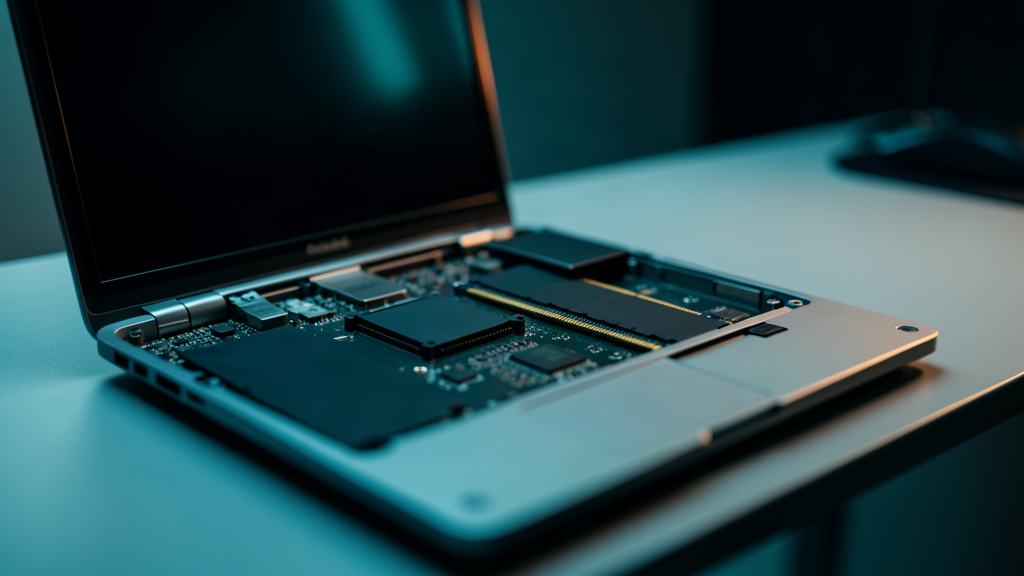
For two decades, the instruction manual for a slow Windows was always the same and everyone repeated it, from the techie nephew to the official service technician: buy more RAM. Eight gigabytes fell short, then sixteen, then thirty-two. The responsibility for the system flying was never the system’s, but your wallet’s. That has just changed officially: Microsoft has admitted that the one that needs to slim down is Windows, and a date has been set.
What exactly Microsoft has said
Pavan Davuluri, president of the Windows and Devices division, published on July 31 an update to the quality commitment the company had announced in March 2026. In it he outlines four priority areas for the rest of the year:
- Onboarding and initial setup of the system, one of the most criticized points of Windows 11.
- Memory optimization for devices with 8 GB and above.
- Family features and parental controls.
- Voice input.
Of the four, the one that has grabbed all the headlines is the second. And not by chance: for the first time Microsoft explicitly acknowledges that the operating system itself, and not only the applications running on top of it, is part of the reason an 8 GB PC drags. It is a small sentence with an enormous political weight within the industry.
Why right now: RAM has gone through the roof
The context explains almost everything. The price of DRAM memory has soared due to the enormous demand from data centers dedicated to artificial intelligence. Assembling or upgrading a computer has become an exercise in patience and budget, and what used to be solved by plugging in a 16 GB module for little money is today a decision that hurts.
When expanding stops being affordable, only the other lever remains: that software consumes less. Davuluri does not mention memory prices at any point, but the connection is hard to ignore. Slimming Windows has gone from being a desirable improvement to being the only realistic way out for millions of devices that, on paper, are perfectly valid.
The plan’s three technical paths
Microsoft has not detailed concrete savings figures, but it has listed the three fronts on which it has been working for some time:
1. A more efficient memory allocator
It is about reducing the overhead that applications and system components generate when reserving and releasing memory. It is a low-level optimization, not very flashy, but it is noticeable across the whole set because it affects how the entire system breathes.
2. Tweaks in WinUI 3
The development framework on which Microsoft is rebuilding Windows’ modern interface drags its own performance and consumption problems. The company wants applications built on WinUI 3 to spend less memory by design, before moving bigger pieces such as the Start menu to that base.
3. Less Chromium and WebView2
Much of modern Windows is, in reality, web pages disguised as applications. Each component that integrates Chromium or WebView2 drags the memory appetite of a full browser. Cutting there is one of the changes with the most headroom, because these engines are spread throughout the whole system.
What this means for your device (and for your company)
It is worth lowering expectations: there is no magic update scheduled for a specific date or a promise of a percentage of improvement. What there is is a public commitment, with named people responsible, to work on it throughout 2026 and to show results through the Windows Insider program.
Even so, the news matters for two reasons. The first is purely economic: if Windows runs smoothly on 8 GB, the useful life of an SMB’s computer fleet extends for years, and that is thousands of euros that do not have to be spent upgrading devices that only sin of having been born with little memory. The second is environmental: every computer that is not retired for slowness is electronic waste that is not generated.
There remains the uncomfortable question many ask these days: if the system can be optimized now, why was it not done before, when the comfortable answer was to ask the user to pass through the checkout? The answer, probably, is that while RAM was cheap nobody had a sufficient incentive to do it. Scarcity, in the end, has turned out to be the best performance engineer Windows has had in twenty years.