
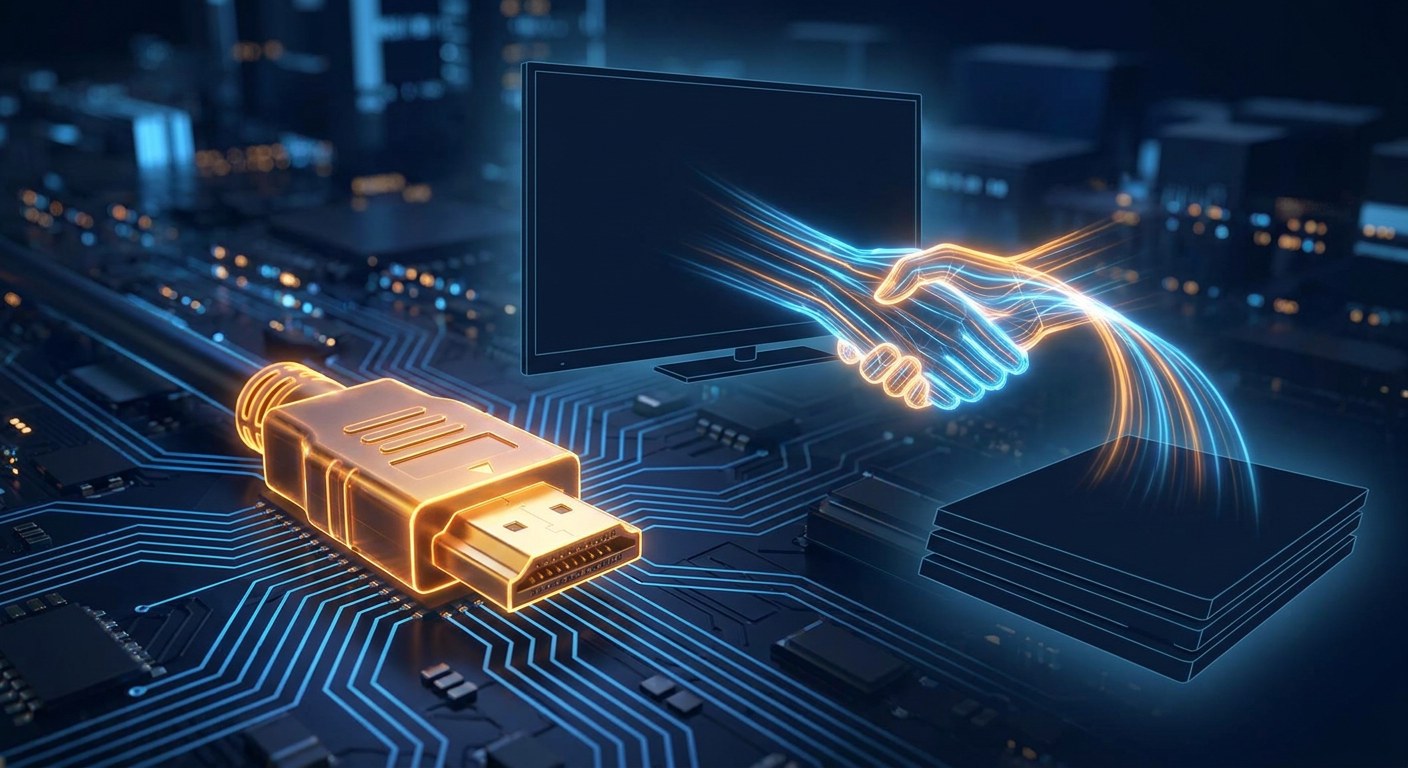
An HDMI cable looks like the dumbest thing in the living room: two connectors, nineteen pins and a plastic jacket. Yet before the first frame appears, the television and the console have held a conversation far more involved than the remote control ever has with the TV. They have introduced themselves, exchanged a technical CV, agreed on a video and audio format, and only then engaged the anti-copy lock. If any of those stages fails, the screen stays black even though the cable is perfectly plugged in.
Pin 19 announces that somebody has just arrived
The HDMI standard defines nineteen contacts, and one of the most important carries not a single pixel. It is Hot Plug Detect (HPD), pin 19. When you plug in the cable, the television raises that line and the source device understands that there is a sink on the other side. From that moment a slow data channel called DDC (Display Data Channel) opens, which in practice is an I2C bus: two wires, clock and data, running at about 100 kHz.
The information that decides everything else travels over that modest channel. It is not a symmetric two-way link: the display answers at a fixed address (0x50 on the I2C bus) and the source reads it block by block, 128 bytes at a time. That is why a cable with a broken data pin can deliver a picture while preventing the device from detecting the panel’s native resolution.
EDID: the television hands over its CV
The first block to be read is the EDID (Extended Display Identification Data), a 128-byte structure invented in the nineties for PC monitors and carried over unchanged into HDMI. Inside are a manufacturer identifier, the date of manufacture, the physical size of the panel and, above all, a list of supported modes: resolutions, refresh rates, colour spaces and bit depth.
The basic block runs out of room quickly, so extension blocks are appended, usually in the CTA-861 format. There you find modern video modes — 4K at 120 Hz, for instance — together with audio formats (PCM, Dolby Atmos, DTS) and HDR metadata. Each extension has an identifier and a checksum: if a byte is corrupted during the read, the system can discard that block and carry on with the rest instead of losing the signal altogether.
When the console reads the EDID, it does not simply pick the best possible mode: it picks the intersection between what it can output and what the TV claims to accept. That is where most surprises of the “my TV is 4K but the console sits at 1080p” kind come from. It is not a cable fault: the TV has not announced that mode, or it has announced it at a rate the cable cannot sustain.
From TMDS to FRL: changing motorway without changing the plug
HDMI 1.4 and 2.0 use TMDS (Transition Minimized Differential Signaling): three differential pairs for the colour data and a fourth for the clock. The encoding minimises level transitions to reduce interference, and each pair can move roughly 3.4 Gbps of payload. That adds up to 18 Gbps, enough for 4K at 60 Hz with 8 bits per channel.
HDMI 2.1 keeps the same connector and the same pins but changes the transport to FRL (Fixed Rate Link): four lanes that can run at 6, 8, 10 or 12 Gbps each, up to 48 Gbps in total. The clock disappears as a separate channel and is recovered from the data stream itself. To make that reliable, forward error correction (FEC) is added along with a training mode in which both ends try combinations of speed and equalisation until they find one that arrives cleanly.
That training explains why a poor cable works at 4K60 and fails at 4K120: at higher speeds, copper attenuation and reflections from badly controlled impedance make the receiver unable to distinguish symbols. Cables certified as “Ultra High Speed” are not a marketing whim; they are tested for 48 Gbps at a specific error rate. And when the bandwidth is not there even with the best cable, DSC (Display Stream Compression) steps in, a visually lossless compression that shrinks the stream before transmission.
The anti-copy lock closes before the first frame
With the format agreed, the source does not simply start sending video. First the HDCP (High-bandwidth Digital Content Protection) protocol runs, version 2.3 for UHD content. The sink holds a set of private keys and a certificate; the source checks that certificate against a revocation list, exchanges a secret and derives session keys with which it encrypts the stream.
The system is designed so that content cannot be captured at an intermediate point: every link in the chain — console, AV receiver, television — must authenticate separately. That is why an old AV receiver can break the whole chain and make the TV show a black screen with a message that the source is not compatible. The device is not broken: it fails authentication and the source, quite correctly, refuses to send the film unencrypted.
HDR, eARC and the data that travels through another door
HDR video is not just more brightness: it travels with metadata that tells the panel how to map luminance. In HDR10 it is static, a single set of values for the whole film; in Dolby Vision and HDR10+ it is dynamic and can change scene by scene. That metadata takes up very little bandwidth but requires both ends to speak the same profile; if the TV only accepts HDR10 and the console sends Dolby Vision, the usual result is a fallback to SDR, not a broken picture.
Audio has its own path. ARC (Audio Return Channel) reuses one pin to send sound from the TV back to the amplifier, and eARC turns it into a bidirectional Ethernet channel capable of carrying uncompressed audio and Atmos objects. That same channel is used for CEC, the control protocol that lets the console switch the TV on; it is a slow, shared and notoriously fragile bus, which is why one device sometimes turns the television on and another does not.
What to check when the screen goes black
Faced with a black screen, the order of checks is almost always the same. First, whether the device detects the display: if the operating system does not list the TV, the problem lies in HPD or the DDC bus, not in bandwidth. Second, whether the chosen mode is inside the EDID: forcing a resolution the panel does not announce usually ends in an out-of-range signal. Third, whether protected content passes HDCP authentication: trying a different source separates a cable fault from a receiver fault. And fourth, cable length and quality: beyond three or four metres, copper without optical fibre starts to become a real factor at 4K and high frequencies.
The next time you plug the cable in, it is worth remembering that image is not the only thing travelling through it. A complete negotiation travels too: identity, capabilities, encryption and control. The plug is the visible part of an agreement signed in milliseconds that, when it works, goes entirely unnoticed.