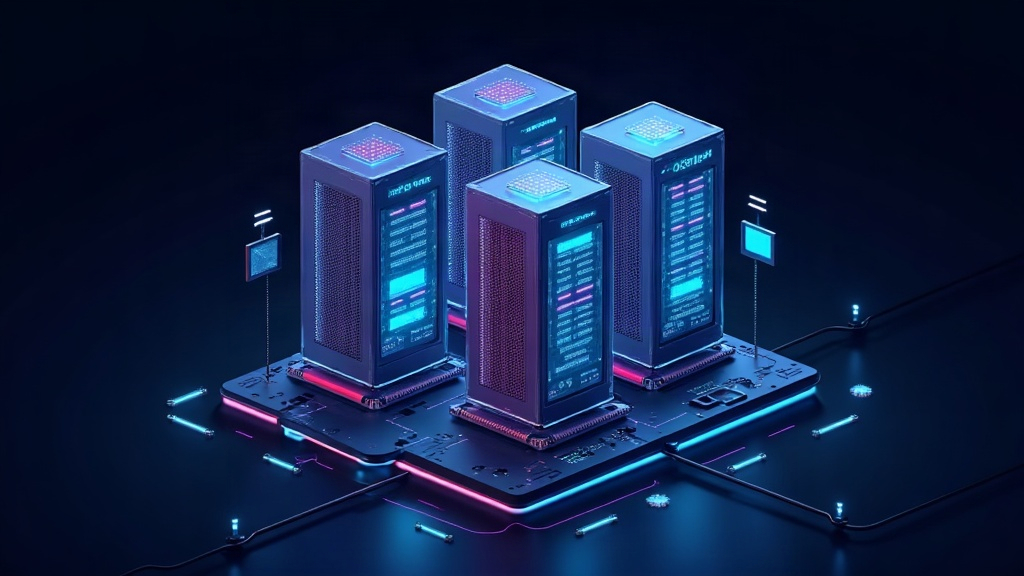
If you have ever heard that a data center server can “contain” dozens of computers at once, it is not a metaphor. It is virtualization, one of the technologies that sustain the cloud, modern data centers and a good part of the internet. To understand it well you have to look at a key piece that is almost never mentioned: the hypervisor.
The underlying problem: a server is almost always underutilized
A physical server has a CPU, RAM, disks and network. On a normal computer, the operating system (Windows, Linux, macOS) is installed directly on that hardware and controls everything. The problem is that most services do not use anywhere near the whole machine: a web server can spend most of its time at 5 or 10% CPU usage. That means that, without virtualization, to set up ten different services you would need ten physical servers, almost all wasting resources.
Virtualization solves that waste. It allows dividing a single physical server into several virtual machines (VMs), each with its own operating system, as if they were independent computers that only share the same hardware underneath. And the piece that makes that sharing possible is the hypervisor.
What exactly is a hypervisor
The hypervisor (also called a virtual machine monitor, or VMM) is a software layer that sits between the physical hardware and the guest operating systems. Its job is threefold: allocate the real resources (CPU, memory, disk, network) among the different VMs, isolate them from each other and translate each operating system’s requests to the real hardware.
Each virtual machine believes it has its own CPU, its own RAM and its own disk. In reality what it sees is an abstraction that the hypervisor presents to it. That is the trick: politely fooling each operating system into believing it controls all the hardware, when in fact it shares the machine with others.
Two families of hypervisors: Type 1 and Type 2
Hypervisors are divided into two broad categories depending on where they live.
Type 1 (or bare-metal): it is installed directly on the hardware, without an intermediate operating system. This is the one used by data centers and cloud platforms. Well-known examples are VMware ESXi, Microsoft Hyper-V, KVM (which comes built into the Linux kernel itself) and Xen. By running without an intermediate layer, they have total control of the hardware and offer the best performance and isolation.
Type 2 (or hosted): it runs as a normal application inside an already installed operating system. That is the case of VirtualBox or VMware Workstation, the ones you use on your laptop to test another system. They are more convenient and easier to set up, but they add an extra software layer, so performance and isolation are somewhat worse. They are mainly used for development and testing.
How the CPU is shared: hardware-assisted virtualization
The most delicate part of virtualization has always been the CPU. An operating system expects to run privileged instructions — low-level operations that only the kernel should be able to do — directly on the processor. If several VMs try to do that at once on the same physical CPU, there would be a chaos of permissions.
Today this is solved with hardware-assisted virtualization. Modern processors (Intel with VT-x and AMD with AMD-V) include specific instructions for virtualization. The hypervisor no longer has to simulate the CPU’s behavior in software, but delegates to a special execution mode of the chip itself: the VM can run privileged instructions directly, and the processor takes care of isolating each one and notifying the hypervisor when something tries to leave its virtual machine. That greatly reduced overhead and is the reason why today you can have dozens of VMs on a single server with a very low performance cost.
Memory, disk and network: how the rest is shared
RAM is shared by assigning a portion to each VM, and the hypervisor keeps a table that translates each guest’s virtual memory addresses to the real physical addresses. Here the modern CPU also helps with a technique called Second Level Address Translation (SLAT), which speeds up those conversions in hardware.
For disk, the most common technique is the image file: each VM keeps “its disk” as a large file inside the server’s real disk. That image grows and shrinks according to the space the machine uses, and on top of it you can make backups or snapshots, which freeze the state of the VM at a given moment. A snapshot allows you to go back in seconds if something goes wrong, something essential in production environments.
The network is virtualized the same way: the hypervisor creates virtual network adapters and virtual switches (bridges between VMs and the physical network). Two VMs on the same server can communicate with each other without the traffic even leaving the machine, something widely used in microservices architectures.
Para-virtualization and paravirtual drivers
Strict isolation has a cost: the virtual hardware that each VM sees does not really exist, so accessing it through the “official” path is slow. To speed it up, para-virtualization was born: the guest operating system is aware that it is virtualized and uses special drivers that communicate directly with the hypervisor instead of going through the emulated virtual hardware.
Those paravirtual drivers (such as KVM’s VirtIO or those built into VMware and Hyper-V agents) offer near-native input/output performance. That is the reason why today a well-configured VM performs almost as well as the physical machine: network and disk traffic is handled cooperatively between guest and hypervisor, not through slow emulation.
The relationship with the cloud and with containers
Virtualization is the foundation of the cloud. When you rent a machine on AWS, Azure or Google Cloud, what you get is a VM running on a shared hypervisor. The cloud simply automates that whole cycle: it creates, scales and destroys VMs on demand, distributing them across millions of physical servers.
It is worth distinguishing it from containers. A container (like Docker) does not virtualize the hardware: it shares the server’s operating system kernel and only isolates processes and dependencies. It is lighter and starts in milliseconds, but its isolation is weaker. The VM is heavier but isolates completely, with its own kernel. Modern platforms combine both: virtual machines to isolate hardware and containers inside them to package applications.
The cost of abstraction
Nothing is free. Virtualization adds a software layer and, with it, a small performance overhead and a larger attack surface: if the hypervisor has a vulnerability, all the VMs that depend on it can be compromised (the so-called VM escapes, attacks where malware leaves its virtual machine to reach the hypervisor). In addition, maintaining dozens of guest operating systems means more patches, more licenses and more operational complexity.
Even so, the balance is overwhelmingly positive. Without virtualization there would be no data centers with tens of thousands of servers running at full capacity, nor the elasticity that lets a website grow from a thousand to a million users in an afternoon. It is, literally, the invisible layer that holds up almost all of the internet.