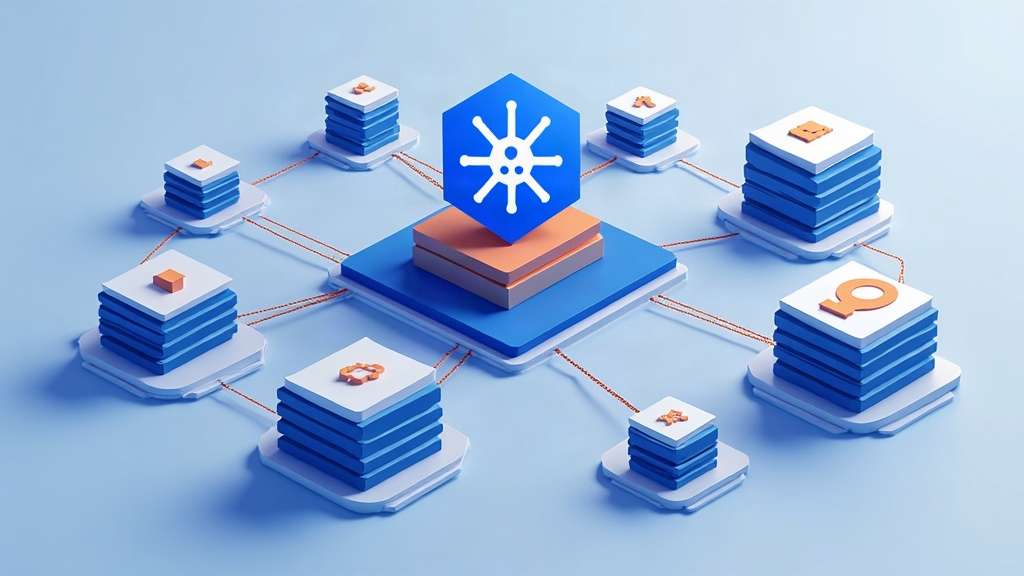
Kubernetes: the orchestrator that manages thousands of containers
In an earlier article we explained what a container is: that package that wraps an application with everything it needs to run in an isolated and reproducible way. But when a company launches a website with hundreds of services, each one replicated several times to handle the load, containers multiply into the thousands. Who starts them, watches over them, restarts them when they fall and spreads traffic among them? That is where Kubernetes (abbreviated K8s, because it has 8 letters between the K and the s) comes in, the container orchestrator that has become the industry’s de facto standard.
The problem it solves
Managing a few containers by hand is feasible: you start them with docker run and connect them to each other. But at scale, questions appear that a human cannot answer in real time: how many copies of each service do I need right now?, on which server do I place each container to make the best use of memory?, what happens if an entire server shuts down?, how do I do an update without cutting the service for even a second?
Kubernetes automates all those decisions. It is, in essence, a closed-loop control system: it continuously observes the real state of the system, compares it with the desired state you have declared and executes actions to make them match. If you defined that there should be 5 replicas of a service and one dies, Kubernetes creates another to get back to 5, without anyone intervening.
The key components: the control plane and the nodes
A Kubernetes cluster is divided into two logical planes. The control plane is the brain: it decides what, where and when. The data plane is made up of the nodes, which are the machines (physical or virtual) where the containers actually run.
Within the control plane several components stand out that communicate through a central REST API called kube-apiserver, the single gateway to the whole cluster. etcd is a distributed key-value database that stores the desired and current state of the whole system, based on the Raft consensus algorithm to guarantee that all copies match even if a node fails. The scheduler decides on which node to place each new container based on free resources (CPU, memory) and constraints such as “do not put two replicas of the same service on the same machine”.
On each node, the kubelet is the agent that talks to the apiserver and makes sure the containers assigned to it are actually running, invoking the container runtime (such as containerd). The kube-proxy implements the node’s network rules to route traffic to the correct containers.
Pods: the minimal unit
Kubernetes does not run loose containers, but pods: the minimum group of containers deployed together on the same node that share the same network and storage. Although a pod can contain several containers (for example, one with the app and another with a sidecar that collects its logs), the usual thing is one pod per container. The pod has its own ephemeral IP: when it dies, Kubernetes creates another one with a new IP. That is why you should never connect to a pod by its IP, but through the services that abstract away that chaos.
Services, Deployments and scaling
A Service is an abstraction layer that gives a set of pods a stable address and a load balancing mechanism: it spreads incoming requests among all the replicas of a pod through internal network rules (usually iptables or eBPF). Thanks to labels (key-value tags) and selectors, a Service knows exactly which pods traffic should be directed to, without needing to know their concrete IPs.
The Deployment is the object that describes the desired state of an application: which container image to use, how many replicas I want and how to update them. When you launch a new version, Kubernetes performs a rolling update: it replaces replicas one by one, always keeping a minimum available, so users do not notice the transition. If something goes wrong, a rollback reverts to the previous state. And when the load rises, the horizontal autoscaler (HPA) measures metrics such as CPU usage and automatically increases or reduces the number of replicas.
High availability: surviving failures
The key to Kubernetes is its fault tolerance. Each component of the control plane is usually replicated across several nodes so that, if one fails, the others keep governing the cluster without loss of service. The health check mechanism (probes) lets the kubelet know whether a container is still healthy: there are liveness (is the process still alive?), readiness (is it ready to receive traffic?) and startup. If a probe fails, the container is restarted or removed from load balancing until it recovers.
Is Kubernetes for everyone?
Kubernetes is not a small tool: its learning curve is steep and its operational complexity is high. For a personal blog or a simple website it is overkill; a single container is enough. But for services that must scale, update without downtime and survive failures, it is the infrastructure on which a good part of the internet rests today. Understanding its pieces — the apiserver as the single gateway, etcd as the state memory, pods as the minimal unit and Services as the stable address — is understanding how the modern cloud works under the hood.