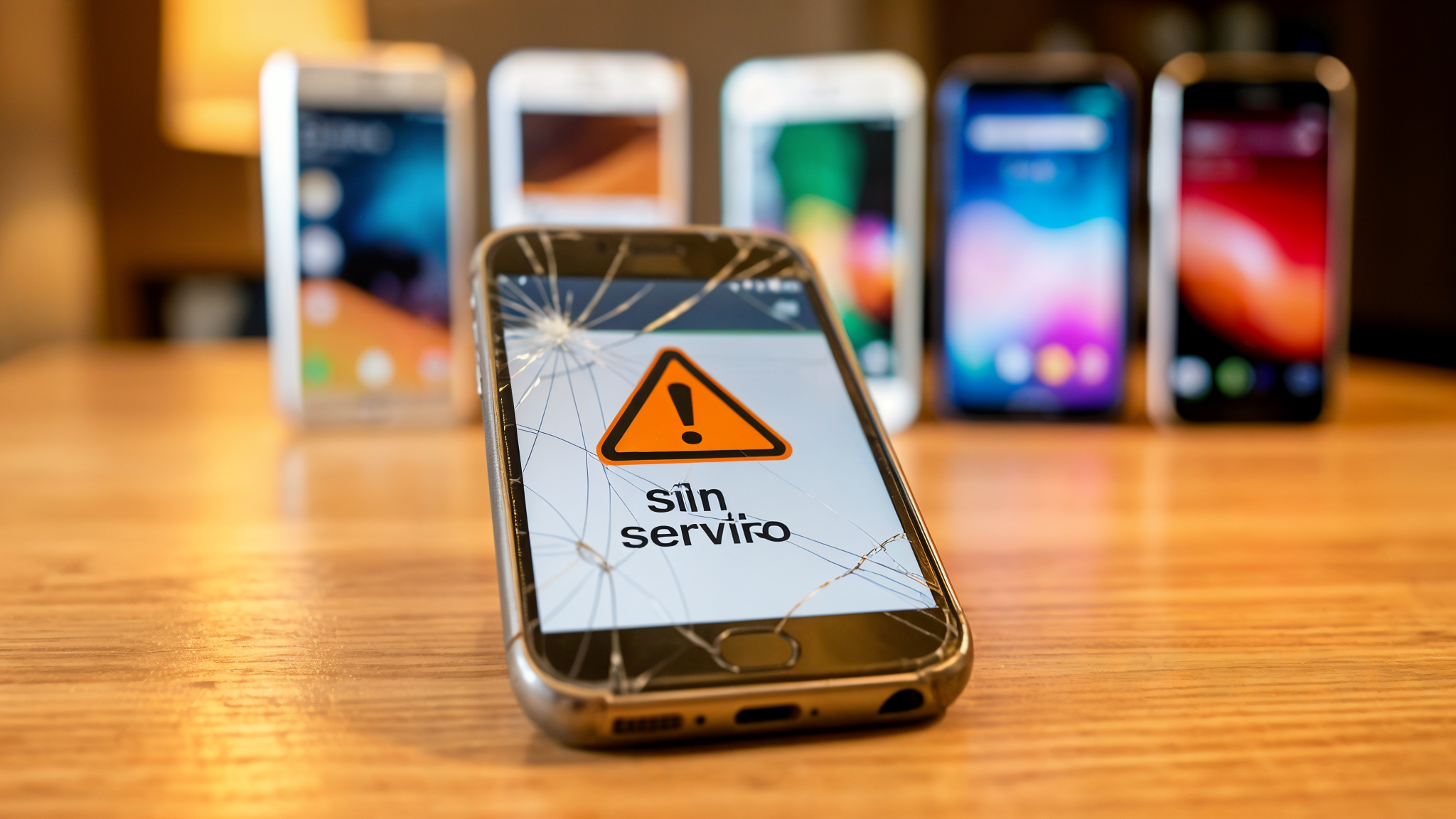
If you have an old phone, this is for you
There is news that has been getting a lot of attention these days among people who have a phone that is a few years old. WhatsApp is going to stop working on a specific list of old phones starting this same August 2026. If yours is one of the affected ones, you will stop receiving app updates and, over time, messages will start to cause problems.
But do not worry: here we explain it in simple words so you know whether it affects you, why it happens and what you can do so you do not lose your conversations.
What exactly is happening?
To understand it, imagine an app is like a house that needs solid foundations. The phone and its operating system are those foundations. WhatsApp wants to build more and more new things (better video calls, more protection for your data, artificial intelligence features), and it needs more modern foundations to do so.
That is why the company has decided that it will only work on phones capable of using a recent version of the system. Specifically, you need at least Android 5.0 (on phones that are not Apple) or iOS 15.1 (on iPhones). If your phone cannot reach those versions because it is too old, WhatsApp stops being compatible.
The affected models are, for the most part, phones launched more than ten years ago. Among them are some Samsungs that were very popular in their day, like the Galaxy S3 or the Note 2; the first Moto G and Moto E; several LGs like the Nexus 4; some Sonys from the Xperia family; and in Apple’s case, the iPhone 5, iPhone 5s, iPhone 5c and iPhone 6.
Why are they doing this?
There are two main reasons, and both work in your favour even if it seems otherwise.
The first is security. Old phones no longer receive those “patches” or fixes that correct security holes, just like a door whose lock nobody changes anymore. If WhatsApp keeps working on such a phone, it is easier for a cybercriminal to take advantage of that gap to steal your messages or your personal data.
The second is performance. The new features weigh more and need a more powerful engine. Trying to put them on an old phone would be like running a modern program on a fifteen-year-old computer: everything would be slow or simply would not work.
The change will not happen overnight
Nobody is going to have their WhatsApp cut off from one day to the next, just as a building does not collapse all at once. The process is gradual: first, the affected phones stop receiving new updates from the app store. Then, glitches start to appear: it is hard to log in, messages do not send or arrive, and calls and video calls fail. Until finally, the app stops working completely.
What can you do before it is too late?
The most important thing is to check whether your phone is on the list. You can do it in two very simple steps:
- Check your system version. On Android go to Settings → About phone. On iPhone, Settings → General → Software update.
- If your phone can be updated to a compatible version, install the update as soon as possible. It is like catching up in a game: it guarantees you can keep playing.
- If it can no longer be updated, the most important thing is to back up your conversations. That is saving a “photo” of all your chats in the cloud (Google Drive on Android or iCloud on iPhone). That way, even if you change phones, you can recover your messages, photos and videos on the new one without losing anything.
The conclusion in two sentences
If you have a phone more than ten years old, it is very likely that WhatsApp will stop working for you sooner or later. It is not a punishment or your fault: it is the app growing and leaving behind those who can no longer keep up that pace.
The good news is that you have time. Check your phone, update what you can, save a copy of your chats and, if the time comes to change mobiles, you will not carry with you the regret of having lost all those conversations.