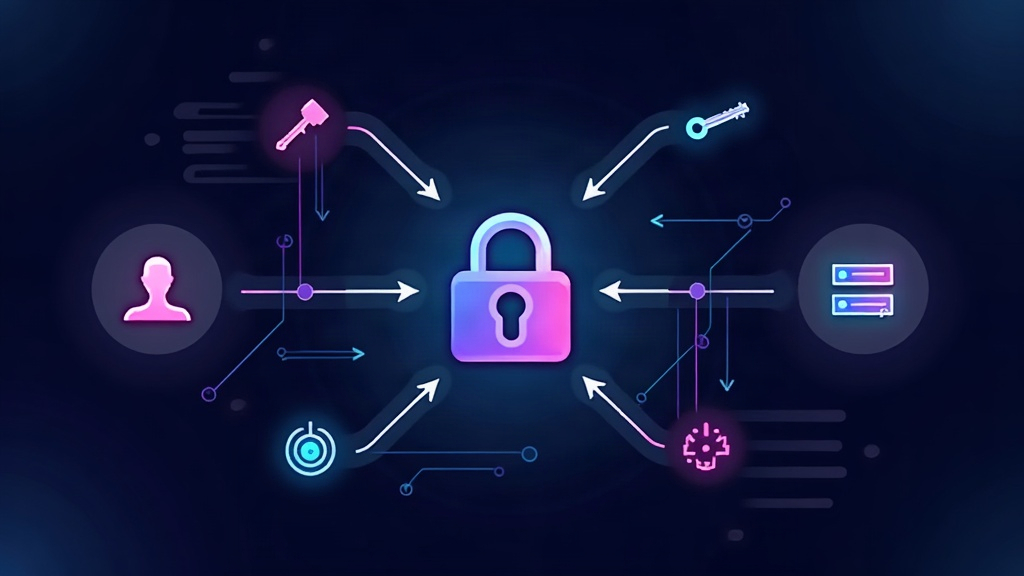
When a website offers “Sign in with Google” or “Continue with GitHub”, you are not handing your password to that site. Behind that button lies a protocol called OAuth 2.0, the standard that lets an application ask permission to access data from another service without sharing credentials. Let’s look at how it works under the hood: the tokens, the authorization flows and the role of OpenID Connect.
The problem OAuth 2.0 solves
Before OAuth, if an app wanted to use your email or contacts, it usually asked you directly for your username and password. That was a security disaster: the app stored your password in plain text, and if it leaked its data, an attacker had full access to your whole inbox. OAuth 2.0 breaks that loop by separating authentication (who you are) from authorization (what you may access), using tokens instead of credentials.
OAuth 2.0 is defined in RFC 6749 and is not a single protocol but an authorization framework with several “grant types” designed for different scenarios: a server-based web app, a mobile app or a machine-to-machine process.
The actors of the protocol
Every OAuth negotiation involves four parties. The resource owner is the user who owns the data. The client is the application that wants to access it. The authorization server is the service that authenticates the user and issues the tokens (Google, GitHub, your identity provider). And the resource server is the API that holds the data and validates the tokens before serving them.
The authorization code flow
The most secure flow, and the one used by web apps, is the Authorization Code Flow. It starts when the user clicks “Sign in with Google”: the client redirects the browser to Google with a URL that includes its client_id and a redirect_uri.
Google shows the consent screen (“This app wants to access your profile and your email”). If the user accepts, Google redirects the browser back to the redirect_uri with a parameter called code. That authorization code is single-use and short-lived, and it travels through the browser, which is an insecure environment.
Here is the key step: the client — not the browser — takes that code, sends it to the authorization server together with its client_secret (a credential only the app’s server knows, never the browser), and receives the tokens in return. The critical exchange thus happens over a server-to-server channel, out of reach of malicious scripts on the page.
The access token
The result of that exchange is an access token: a credential the app presents to the resource server to request data. Today most are JWTs (JSON Web Tokens): three Base64URL-encoded segments separated by dots — the header, the payload and the signature.
The payload holds claims: the subject (sub), the intended audience (aud), the issuer (iss) and the expiration time (exp). The signature is computed with the issuer’s secret or with asymmetric cryptography (RSA or ECDSA). Thanks to that signature, the resource server can validate the token without calling anyone: it checks the signature, makes sure it is not expired and that the aud matches. That is why a JWT is self-contained.
The refresh token
Access tokens expire quickly (Google sets them to one hour). Why so short? Because the longer the validity, the greater the risk if the token leaks. To avoid forcing the user to authenticate every hour, the authorization server also issues a refresh token.
The refresh token is long-lived, stored on the client’s server side, and used for a single purpose: requesting new access tokens when the current one expires. If it is revoked, the client loses access without the user having to change their password. It is the piece that lets a session last days or weeks without repeating the login.
From OAuth 2.0 to OpenID Connect
OAuth 2.0 only solves authorization: it lets the app access data. But when you press “Sign in with Google”, the app also needs to know who you are. That is what OpenID Connect (OIDC) is for, a layer built on top of OAuth 2.0.
OIDC adds a new token: the ID token, another JWT carrying the user’s identity (name, email, sub as a stable identifier). And it defines the /.well-known/openid-configuration endpoint, a JSON document where the provider publishes its URLs and its public key for verifying signatures. With OIDC, an app can authenticate the user in a standard way without building its own password system, delegating security to a specialized provider.
Why it really matters
OAuth 2.0 powers nearly every social login button and service integration. Understanding its architecture explains why a breach at an identity provider does not directly compromise the apps that depend on it (tokens, not credentials, are what travel), and why the code exchange is designed to survive in an environment — the browser — that is by nature untrusted. The next time you sign in with a single click, you will know that behind the curtain there is a protocol carefully designed to never give away your password.